
Why Internal Links Suddenly Need a Robot
Try this: open your blog, pick a post from 2021, and name every newer article that should link back to it. If you have 500+ posts, you'll probably give up somewhere around your third coffee.
That's the problem.
Once a site passes a few hundred pages, nobody can hold the full internal link structure in their head. Manual audits help, but they go stale within weeks, because every new article creates link opportunities the old spreadsheet never knew about.
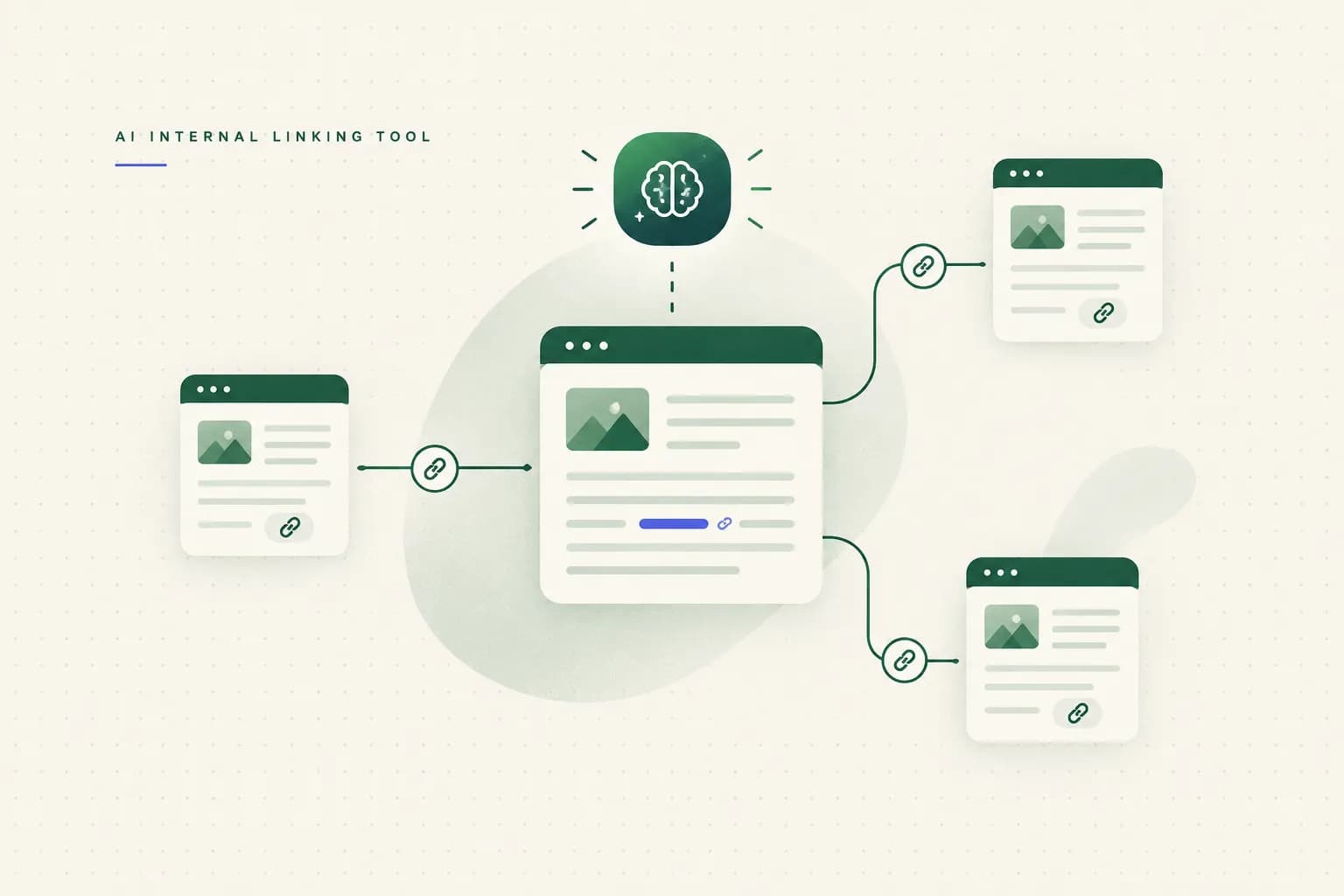
So SEOs started handing the job to software. An ai internal linking tool reads your whole site, maps how pages relate, and suggests where one page should point to another.
Some will even write the edit for you.
First, a quick expectations check. This guide won't promise that automation guarantees rankings (anyone who says that is selling something). What it offers is a repeatable system: find relevant links, review them like an editor, and measure what actually changes.
The yardstick for "good" isn't the tool's marketing page. It's Google's own guidance.
Google Search Central says internal links should be crawlable (real HTML anchor elements with an href), use descriptive anchor text, point to relevant pages, and be useful to readers.
Google also says every page you care about should get a link from at least one other page on your site. Every AI recommendation in this article gets judged against that standard.
Keep it in your back pocket. We'll use it a lot.
How AI Finds Link Opportunities
Old linking plugins worked like a very keen intern with Ctrl+F.
See the word "shipping"? Link it. Every time. To the same page.
Modern tools work differently. They turn every page into embeddings, long lists of numbers that capture what the content means. Pages about similar ideas end up close together in this mathematical "vector space," even when they share no exact phrases.
From there, the tool builds a content graph. That's a map of which pages cluster by topic, which entity relationships connect them (a product, a process, a problem), and which pages sit alone at the edges.
The lonely ones are usually your orphan pages, and a good tool flags them first.
Think of it like seating guests at a wedding. Keyword matching puts everyone named "Dave" at the same table.
Semantic clustering seats people who'll actually enjoy talking to each other.
Semantic Relevance vs Keyword Overlap
One distinction separates useful suggestions from noise.
A genuine relationship exists when the destination page helps the reader act on the sentence they're reading right now. A coincidental overlap happens when two pages use the same word for unrelated reasons.
Say an ecommerce blog has a post on reducing checkout abandonment that mentions free shipping thresholds. It also has a post on shipping fragile ceramics. Both say "shipping," but a reader worried about abandoned carts doesn't need bubble-wrap advice.
That link would match on keywords and still be useless to the reader.
Good semantic relevance scoring catches this. Mediocre tools miss it, which is why you'll still see suggestions that make you squint at the screen.

What the Tool Can't Actually See
Most tool comparisons skip this part. An AI's recommendations are only as good as the crawl behind them, and crawls have blind spots.
JavaScript-rendered links are the big one.
If your navigation or related-posts widget only appears after scripts run, a basic crawler may not see those links. The tool might then call a page orphaned when it isn't, or miss a page that really is.
Duplicates cause trouble too.
If a tool treats a canonicalized duplicate as a separate page, it may recommend linking to a version that isn't one of your canonical URLs, so the link points at a copy Google is set up to consolidate away. Noindex pages have the same issue.
Sending link equity to a page you've told Google not to index is like watering plastic flowers.
Redirect chains, paginated archives, and PDFs complete the list. Redirects inflate link counts while wasting crawl efficiency.
Archive pages like /page/7/ create hundreds of low-value "linked" URLs, and PDFs often count as destinations even though readers can't click onward from them. Any of these can distort a link audit without anyone noticing.
The bigger risk is the model itself.
Language models sometimes hallucinate URLs, confidently recommending /guide-to-returns-policy/ when the real slug is /returns/. Others work from page summaries that are months out of date.
That second problem is called semantic drift. A page that used to be "Best Budget Laptops 2024" gets rewritten as a gaming-laptop roundup, but the tool still thinks it's about cheap laptops.
The link it suggests is still a link... it just points to the wrong idea.
Rule of thumb: confirm that every target URL returns a 200 status and that its current content still matches the anchor. A few seconds of checking saves a lot of embarrassment.
A Five-Point Approval Framework
An AI can produce 300 link suggestions before your coffee cools. Finding opportunities isn't the hard part anymore.
Deciding which ones deserve to exist is.
Run this checklist on every suggestion. If a link fails any of the five, reject it.
No guilt.
The tool won't take it personally.
Notice that only one of these five (source relevance) is something AI handles fairly well by itself. The other four need someone who knows the site, the business goals, and which pages are quietly rotting.

Does this feel slower than clicking "accept all"?
It is, and that's intentional.
A reviewed batch of 30 strong links will do more for you than 300 unreviewed ones that turn your blog into a hyperlinked word search.
Validating Recommendations With Search Console
Your AI tool and Google may disagree about your site. The tool sees your content, while Google sees your links, your crawl paths, and how people behave.
Search Console is where you find out which picture is more accurate.
Reading the Right Reports
Start with the Google Search Console Links report. Under "Internal links," the "Top linked pages" view lists the URLs with the most internal links.
Export it and compare it against your content graph.
You're looking for mismatches.
If your tool rates a page as central to a topic cluster but it sits near the bottom of the internal link count, it's under-supported. If a page has thousands of links but the tool considers it peripheral, sitewide navigation is probably soaking up equity.
Next, open the Performance report. Filter for pages with healthy impressions and an average position between roughly 8 and 20.
Google already considers these pages relevant, so they're close to breaking through.
Then check how many contextual links point to those pages from related articles.
The answer is often "two, and one of them is in the footer."
Once you start making changes, measurement is where people get impatient. It helps to separate the signals, because none of them move on the same timeline:
| Signal type | What you measure | Where to check | Typical timeline |
|---|---|---|---|
| Technical | Crawl discovery of newly linked pages | URL Inspection tool, Crawl stats | A few days to about 2 weeks |
| Technical | Indexed URL count | Page indexing report | 1 to 4 weeks |
| Behavioral | Click paths between related posts | GA4 path exploration | 2 to 6 weeks (depends on traffic) |
| Behavioral | Engagement on target pages | GA4 engagement rate, views per session | 2 to 6 weeks |
| Outcome | Rankings for target queries | GSC Performance report | 4 to 12 weeks |
| Outcome | Conversions and revenue | GA4, CRM | 2 to 6 months |
These ranges come from practice, not a Google guarantee, and a small site with little traffic will sit at the slow end.
The main point: don't judge an internal linking project on rankings after ten days.
Check the technical signals first. If Google isn't crawling the newly linked pages, the rankings won't move anyway.
Here's a mini before-and-after. Picture a home coffee blog with a flat archive: 40 posts are orphaned, and the only way to reach them is through paginated archive pages, six or more clicks deep.
That crawl depth is roughly the site architecture equivalent of hiding your best work in the basement.
After a content graph pass and a Search Console check, the vague "we should link more" becomes a prioritized map:
| Source page | Target page | Anchor text | Rationale | Review status |
|---|---|---|---|---|
| Pour-Over Coffee for Beginners | How to Choose a Burr Grinder | a consistent burr grinder | Step 2 covers grind size; readers need gear advice right there | Approved |
| Why Your Coffee Tastes Sour | Coffee Extraction Explained | under-extraction | Diagnosing sourness depends on understanding extraction | Approved |
| Best Beans for Espresso | Espresso Roast vs Filter Roast | roast profile | Target was orphaned; 3,200 impressions at position 14 | Pending edit |
| Cold Brew Ratio Guide | French Press Guide | French press | Keyword match only; the press is mentioned in passing | Rejected |
| Descaling Your Espresso Machine | Water Hardness and Coffee | hard water | Direct cause and effect for the reader's problem | Approved |
The rejected row matters as much as the approved ones. It shows someone actually reviewed the list.
Building an Architecture, Not a Link List
A pile of good links isn't a strategy.
It's a pile.
The sites that get the most from internal linking treat it as architecture, where every link has a structural job.
Pillars, Clusters, and Siblings
Most solid structures use three link types. Pillar-to-cluster links go from a broad guide (say, "The Complete Guide to Home Espresso") down to specific subtopics like tamping, milk steaming, and grinder choice.
They spread authority downward and tell Google what the hub covers.
Cluster-to-pillar links go the other way. Every subtopic points back to its hub, which gathers topical signals on the page you most want to rank.
Sibling links connect related subtopics sideways, such as tamping linking to puck prep, because a reader on one will often want the other.
Then there are funnel-stage relationships. An awareness post ("why does my espresso taste bitter?") links to a comparison post ("best grinders under $300"), which links to a product or money page.
Same topic, different buying moments.

Here's the risk.
Left alone, AI tends to flatten topical clusters. On a coffee site, everything sounds "about coffee," so every page scores as related to every other page and the tool suggests links everywhere.
The result is a site where each page links to 40 others and pillar pages stop standing out.
Your job is to keep the clusters distinct. Define the pillars yourself, assign pages to them, and let the AI fill in links inside that structure.
Linking Backward When You Publish Forward
Most people handle new content like this: publish the article, add five outbound links to older posts, and call it done.
That covers half the job.
The other half is retroactive linking. When a new article goes live, the older posts that should mention it need updating with a link to it.
Otherwise your newest (and often best) content starts life as an orphan, and Google finds it slowly, if it finds it at all.
Doing that by hand across a back catalogue of hundreds of posts is exactly the work humans skip.
Rankspiral's Retrolink feature shows what automation can handle well here. It runs a weekly pass over your existing posts, flags pages whose rankings are slipping, and retrofits internal links and money links into old posts using phrases that already exist in the text.
That last detail matters.
Using existing phrases means no awkward rewritten sentences and no invented anchor text. The link attaches to words a human already wrote in context.
The most important part, though, is that nothing goes live without manual approval. Every suggested edit waits for a person to sign off.
Approval-gated automation is what separates a useful system from silent edits nobody asked for. The machine does the tedious searching, and a human makes the final call.
With hallucinated URLs and semantic drift in the mix, a tool that publishes silently can do quiet damage for months before anyone notices. A tool that asks first just saves you time.
That's the better deal.
Common Questions About AI Internal Linking
What Is the Best AI Tool for Internal Linking?
The best AI tool for internal linking depends on whether you need content creation and linking together or a standalone audit. Platforms like Rankspiral combine article generation with retroactive linking, while dedicated auditing tools focus only on mapping and suggesting links for existing sites.
Whichever you pick, favor tools that cluster pages based on SERP data (which pages Google actually ranks together) over tools that rely only on a model's guesses about topic similarity.
Can AI Do Internal Linking?
Yes, AI can find, suggest, and even insert internal links, but it shouldn't publish them without human review. Models can hallucinate URLs, work from outdated page summaries, and misread coincidental keyword overlap as real relevance.
Let the AI do the discovery and have a person approve the edits.
How Do I Automatically Add Internal Links to My Website?
Use an AI internal linking tool that scans your site, builds a content graph, and queues suggested links for approval. A typical workflow: connect your CMS, run a full crawl, review suggestions against a relevance checklist, then approve edits in batches.
Set up a recurring weekly scan so new posts get retroactive links from older content, rather than doing a single audit and forgetting about it.
How Many Internal Links Should a 1,000-Word Article Have?
A 1,000-word article usually works well with about 2 to 5 contextual internal links.
That's a practical range, not a Google rule.
Google has never published an ideal number, so relevance matters far more than quantity. Three links that each answer a reader's next question beat ten links added to hit a target.
Do Internal Links Help Google Rank a Page?
Yes, internal links help Google discover, understand, and prioritize pages, which supports rankings indirectly. They improve crawlability, reduce crawl depth, signal which pages matter most, and give context through anchor text.
They won't rescue weak content, but they can help a strong page that's been overlooked get the attention it deserves.
What's the Difference Between Internal Linking and Backlinks?
Internal links connect pages within your own site, while backlinks come from other websites to yours. You fully control internal links: where they go, what the anchor says, and how authority flows through your structure.
Backlinks are external trust signals that you can earn but not control.
Internal linking is the lever you can pull today, with no outreach emails needed.
The One Link Worth Checking Tonight
You don't need a full audit to start.
You need one link.
Open Search Console, go to the Performance report, and sort your pages by impressions. Find the one with lots of impressions and a disappointing average position, somewhere on page two.
Google already considers it relevant but isn't convinced yet.
Then find one older, relevant post that should link to it and doesn't. Add a contextual link, mid-sentence, with an anchor that honestly describes the destination.
Run it through the five-point check.
That should take about ten minutes.
After that, remember the part nobody enjoys hearing: internal linking is maintenance, not a one-time project. Every post you publish changes the map, pages get rewritten, and meanings drift.
Whether you use a spreadsheet, an AI tool, or a weekly Retrolink pass with approvals, the work keeps going.
Your site will keep growing.
The links should keep up.